

Shehnoor Ahmed

Interactive Emails: Turning Inbox Messages into Mini-Websites for Higher Engagement
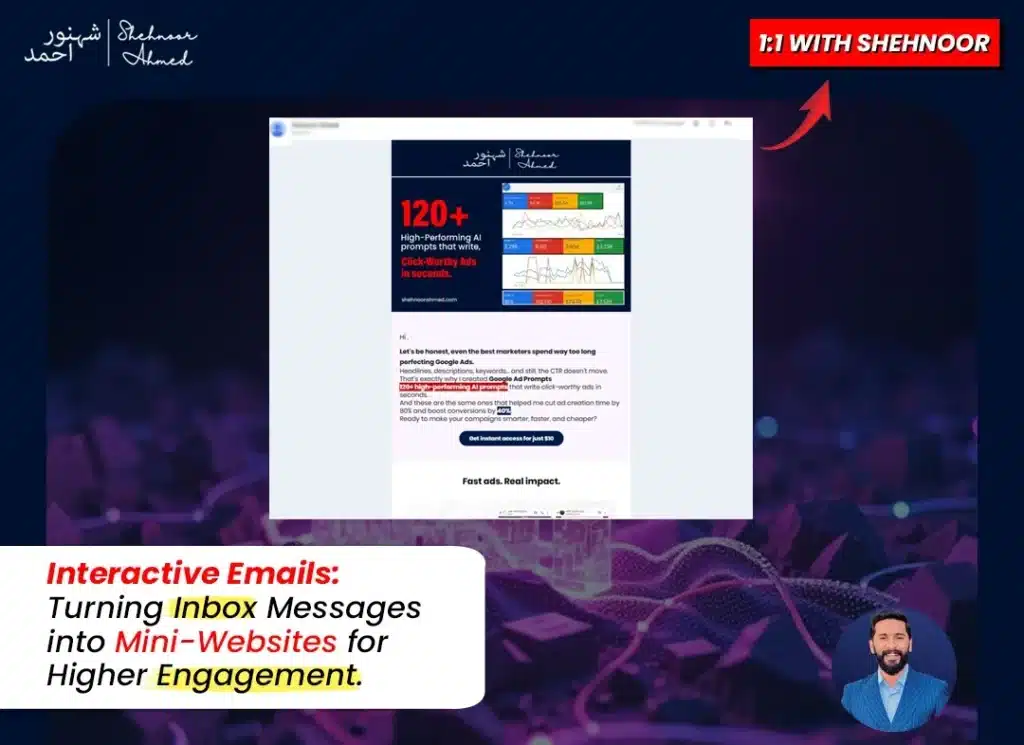
Email has been around forever, but most businesses are still using it the same old way. Send a message with some text and images, throw in a link or button, and hope somebody clicks. It gets the job done, but let’s be real. Nobody’s excited about opening another generic promotional email. What if you could change that? What if opening your email felt less like reading an ad and more like exploring something interesting? That’s exactly what happens when you make your emails interactive. Instead of just looking at content, people can actually play with it, explore it, and respond to it without ever leaving their inbox. What Does Interactive Emails Actually Mean Here? We’re talking about emails that do more than display information. These are messages where people can take real actions. They can browse through different options, submit their opinions, watch things update in real time, and make decisions right there on the spot. The standard approach has always been passive. You send content, people read it, and if they’re interested enough, they go somewhere else to take action. Interactive emails change that dynamic completely. The action happens immediately, right in front of them, with zero extra effort required. The Real Issue With How Most People Do Email Your inbox probably looks like everyone else’s. Packed with messages that all feel the same. A headline, some body text, maybe a product photo, and the obligatory call to action button. After seeing this format a thousand times, it’s easy to tune it all out. There’s also the hassle factor. Traditional email marketing asks people to go on a journey. Click here, wait for that to load, scroll down, find what you need, and enter your information. Every single one of those steps is an opportunity for someone to lose interest and bail out completely. Interactive emails address both problems at once. They grab attention because they’re genuinely different. And they keep attention because everything needed happens right where the person already is. Different Ways to Make Your Emails Come Alive There are plenty of directions you can go when adding interactive elements. The best choice depends on what you’re trying to accomplish and who you’re talking to. Swipeable Product Displays Instead of forcing people to scroll past a dozen product images, give them a gallery they can navigate. They move through at their own speed, spending time on what interests them. It’s more elegant and gives each item its moment to shine. One-Click Opinion Gathering Want to know what your audience thinks? Put a simple poll directly in your email. They see the question, tap their answer, and they’re done. No forms to fill out, no new pages to visit. Just instant participation. Real-Time Countdown Elements Nothing motivates action like watching a clock run down. When people can see an offer expiring minute by minute, that urgency becomes tangible. Saying “limited time” in text just doesn’t have the same impact as a timer that’s actually moving. Interactive Self-Discovery Tools Build a short quiz that helps people figure out what suits them best. It’s engaging because people like learning about themselves, and it’s practical because you can direct them toward relevant options based on their answers. Expandable Detail Sections Got a lot of information, but don’t want to overwhelm anyone? Use sections that open and close on demand. People can explore topics they care about while skipping over stuff that doesn’t apply to them. Direct Action Forms Let people sign up, register, or update preferences without leaving the email. They see what you’re offering, enter the necessary details right there, and it’s complete. No redirects, no extra clicks, no losing people along the way. What You Actually Gain From This The results speak clearly. Businesses using interactive emails see measurable improvements across every important metric. People engage more deeply because there’s actually something for them to do beyond just reading. Conversion rates go up, too, sometimes substantially. This makes perfect sense. When you eliminate obstacles between interest and action, more people follow through. It’s simple cause and effect. You also collect better information about your audience. Interactive elements show you what captures attention and what gets ignored. Which products did people examine? How did they answer your questions? What paths did they take through your content? All of this helps you understand what works and refine your approach. Beyond the numbers, there’s a brand perception benefit. Companies that deliver interesting, thoughtful experiences earn goodwill. People remember brands that respect their time and make interactions enjoyable. How to Actually Start Doing This I know what you’re probably thinking. This all sounds great but also complicated and time-consuming. You’re not wrong that it takes more effort than your current approach. But you don’t have to reinvent everything at once. Take it one step at a time. Pick a single upcoming email and add just one interactive feature. Keep it straightforward for your first attempt. Maybe a basic poll or a simple countdown. Watch how people respond, learn what works, and build from there. The technology side is more approachable than it used to be. Email platforms have gotten better about supporting interactive features. Lots of them now include templates and building tools that don’t require coding knowledge. The barrier to entry keeps getting lower. Just make sure everything works perfectly on phones. That’s where most people read email now. Your interactive elements need to function smoothly on small screens with touch controls. Test across different devices and email apps before launching anything widely. Keep the Core Strong Interactive features are powerful, but they won’t save a fundamentally weak email. You still need a subject line that makes people want to open. You still need a clear message that delivers value. You still need a clean design that looks professional. Think of interactive elements as an accelerant. They amplify what’s already working. But if your foundation is shaky, adding bells and whistles won’t fix the underlying problems. Build quality emails first, then